Broom network-boots a room of PCs from one golden image: every reboot comes up clean. One static binary on any Linux server, with DHCP, TFTP, iSCSI and the web admin built in. Free and open source (Apache-2.0), for internet cafés, gaming centers and school labs, up to ~100 PCs per server (sizing).
Download the latest release · Source code & full manual
Guides
- User guide: step by step, from an empty server to a room in daily use — network boot, server disks, goldens, PCs, versions and rollback, games disks, drivers, remote, backup, troubleshooting.
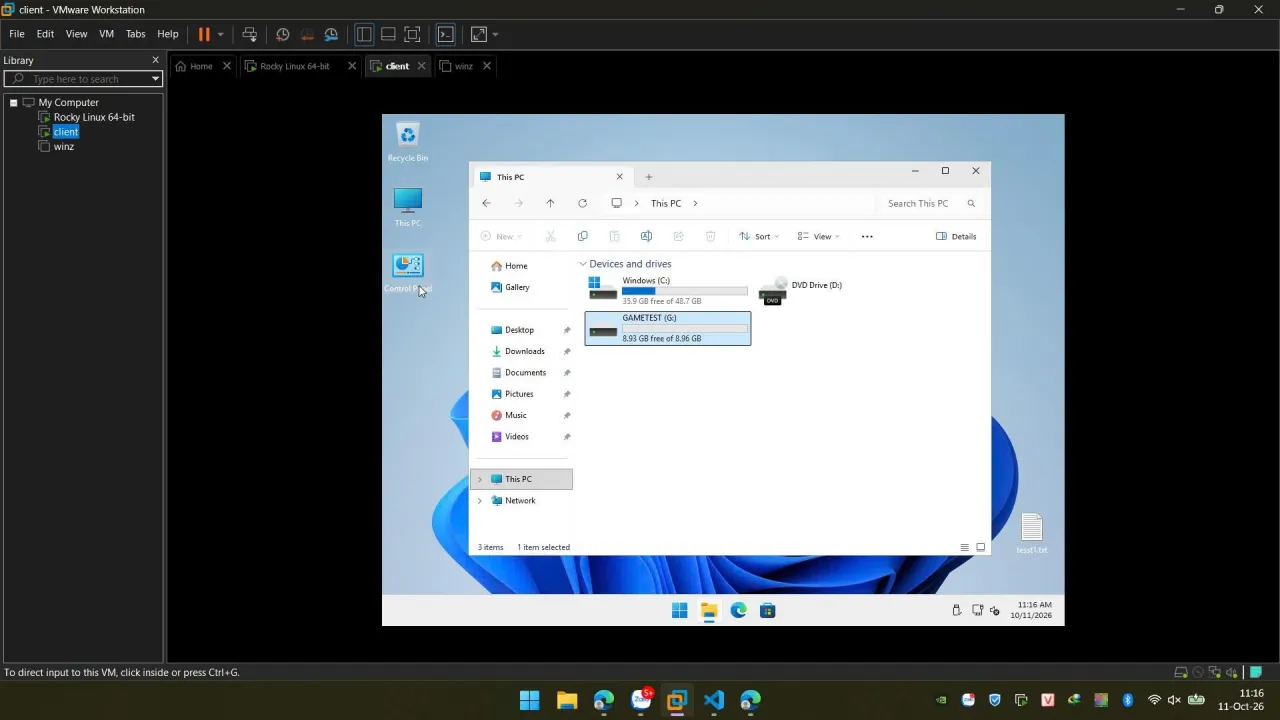
- Diskless boot Windows 11 with Broom: how it works, from an empty server to a room of clean Windows 11 PCs.
- Diskless boot for internet cafés: a café room from scratch, games on iSCSI disks, remote control, health monitoring, FAQ.
- FACEIT Anti-Cheat on diskless PCs: Secure Boot, TPM 2.0, IOMMU and HVCI on network-booted clients.
- Broom vs CCBoot: how Broom differs from commercial diskless software, and where it is still behind.
What you get
- Secure Boot on, no MOK: every step of the network boot is signed through Microsoft’s UEFI CA. With TPM 2.0 + HVCI, FACEIT Anti-Cheat works.
- Clean every boot: Windows (tested on 11 Pro and Enterprise) or Linux clients; writes go to the local SSD and are reset at the next boot.
- UEFI or legacy BIOS (CSM): one golden boots both kinds of PC, no second image.
- One file to deploy: no dnsmasq, tftpd or targetcli. Build the golden in a VM and upload it from the browser.
- Imaging too: capture a real PC’s disk as an image, or deploy an image onto a PC’s disk, from the boot menu.
- Shared iSCSI disks for games and apps: update once, every PC gets it at its next boot.
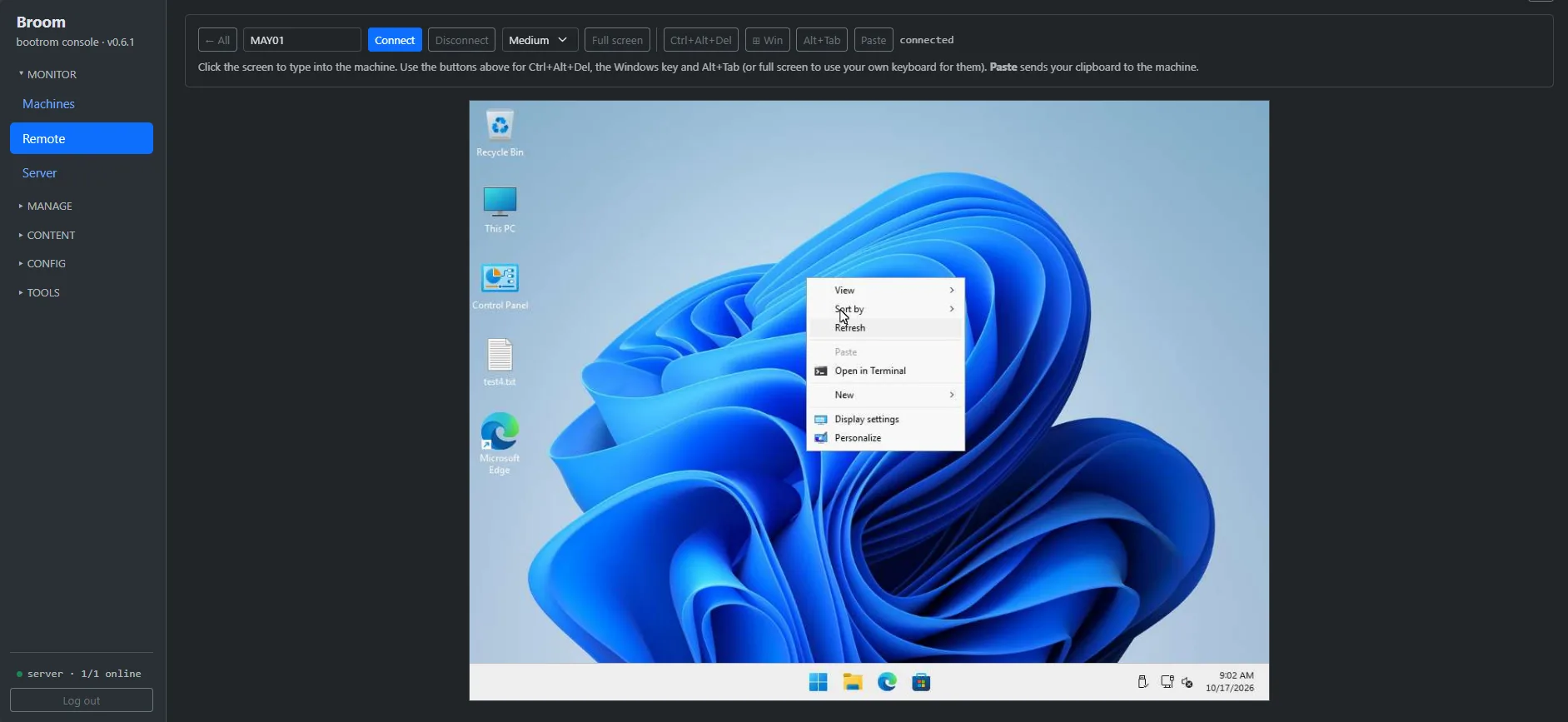
- Remote in the browser: a live wall of every PC’s screen, click one to take over, full-screen games included. No VNC client, no port open on the PCs.
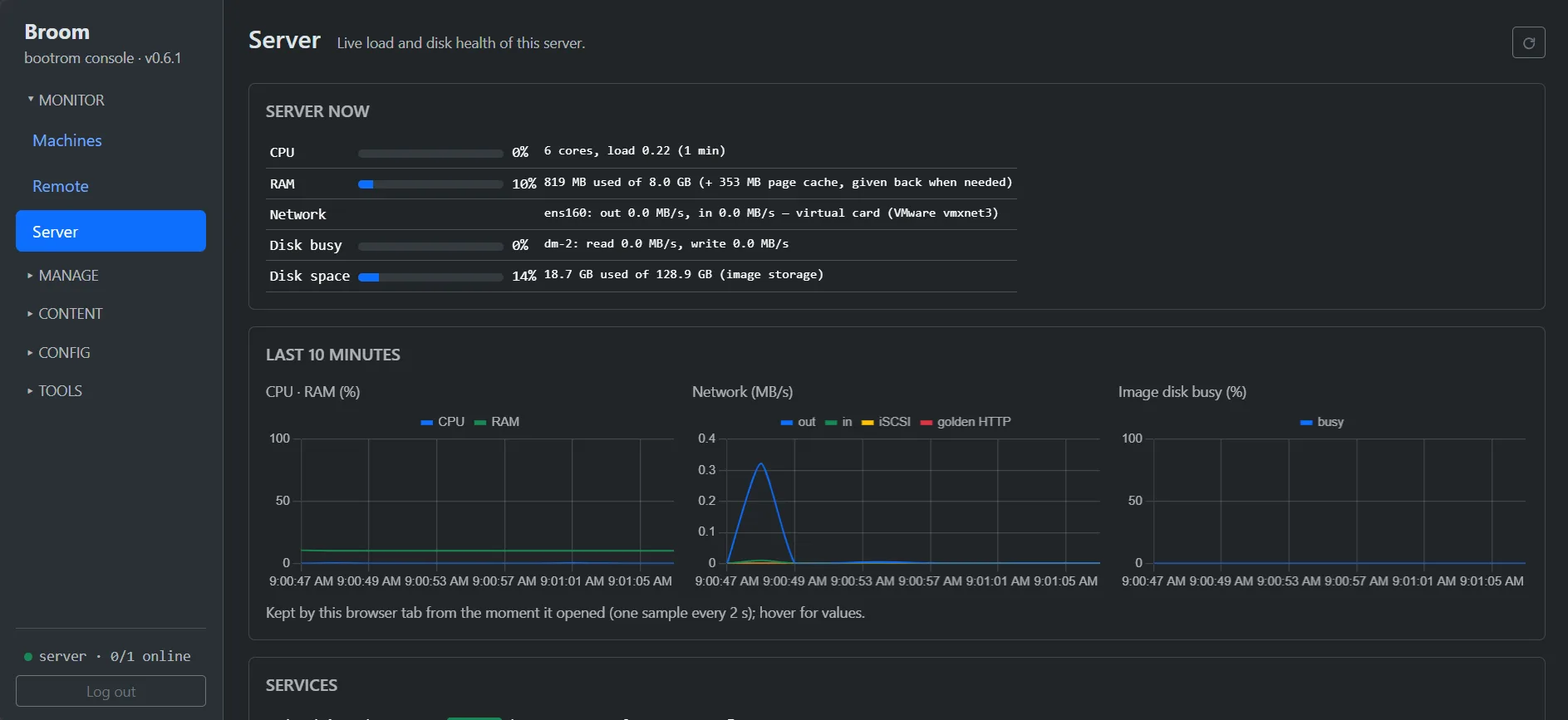
- Health and logs: CPU, RAM, temperatures, SMART / bad sectors for every PC and the server; live server charts; the server’s log with filter and live follow.
- Versions of every golden: snapshot and roll back in a click; on XFS / btrfs versions share their common data, so each one costs only what changed, and whatever is served stays in one piece on the disk.
- Machine groups, driver packages.
Quick start
On a Linux server (Debian/Ubuntu or Rocky Linux), as root:
sudo mkdir -p /opt/bootrom && cd /opt/bootrom
sudo curl -fLO https://github.com/morningstar-sudo/broom/releases/latest/download/bootrom-mgmt
sudo curl -fLO https://github.com/morningstar-sudo/broom/releases/latest/download/SHA256SUMS
sha256sum --ignore-missing -c SHA256SUMS   # must say: bootrom-mgmt: OK
sudo chmod +x bootrom-mgmt
sudo ./bootrom-mgmt install-service
journalctl -u bootrom-mgmt -f      # shows the one-time setup token
Open http://<server-ip>/, enter the setup token, then follow the user guide (or the
full manual).